Social App
A responsive social media web application built with React, allowing users to authenticate, explore posts, publish text and image content, interact through comments, and manage their profiles. The application integrates with an external REST API using Axios and TanStack React Query, with protected routes, schema-based form validation, reusable UI components, and responsive layouts for mobile, tablet, and desktop.

Technologies Used
Project Overview
Social App is a responsive social media application where users can create accounts, sign in, browse posts, publish text and image updates, add comments, and manage their profiles. Public pages are separated from protected areas such as the feed, posts, profile, and settings. React Context manages authentication and user data, while protected routes control access for signed-in users. Axios connects the app to an external REST API, and TanStack React Query manages server data and updates. React Hook Form with Zod handles validation, while FormData supports image uploads with previews and file restrictions. Reusable components, modals, notifications, and responsive layouts keep the experience consistent. Adding friends and sharing posts are currently UI-only features.
Key Features
Users can create accounts, sign in, and access protected pages.
Users can browse a paginated feed and create text or image posts.
Users can view, add, and delete comments on posts.
Users can view their profile, upload an avatar, and change their password.
Forms are validated with React Hook Form and Zod, with support for image uploads.
Reusable components provide a consistent experience across desktop and mobile.
Screenshots
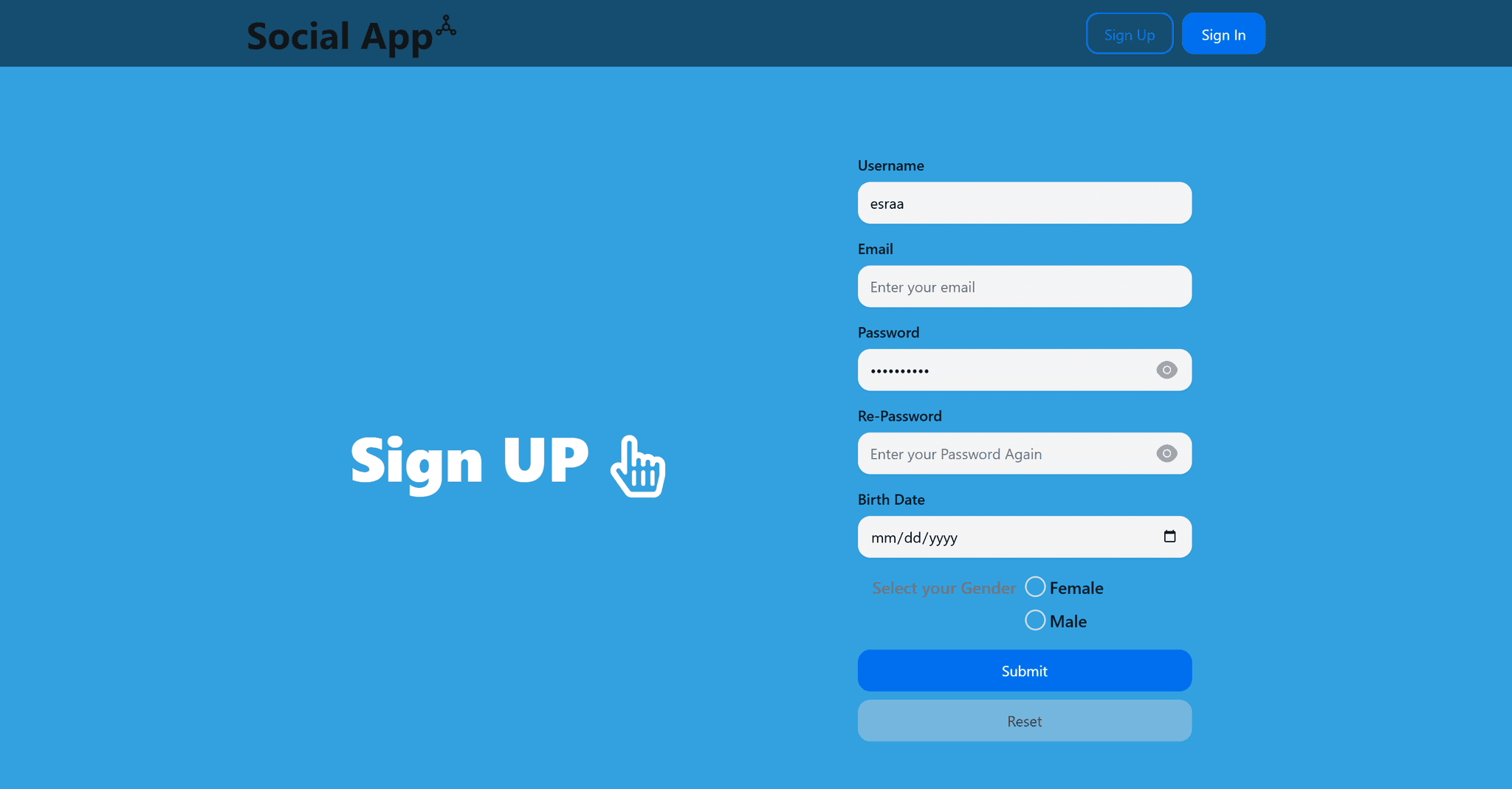
Sign Up
The Sign Up page allows users to create a new account.
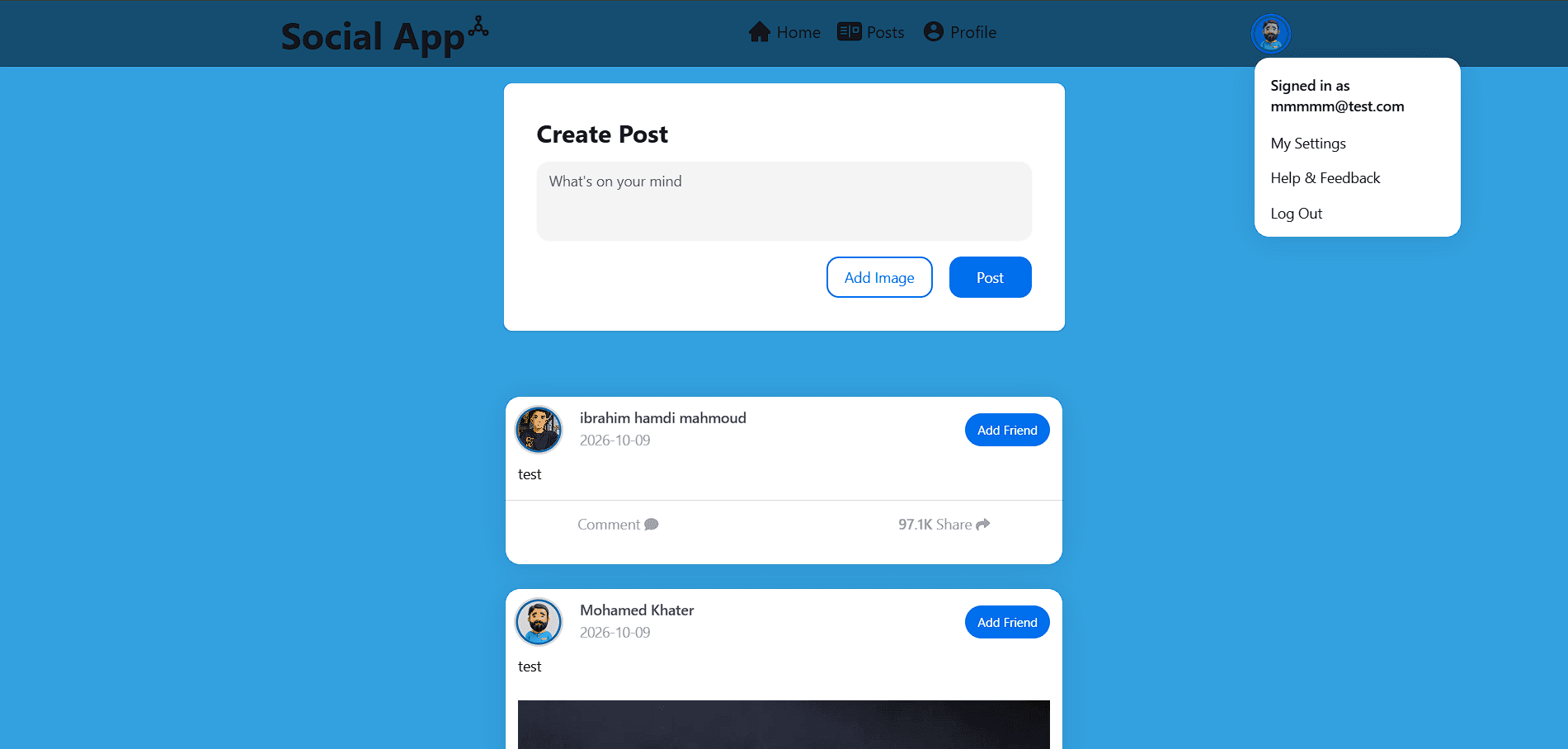
User Home
The User Home page shows others posts and allow user to create new posts.
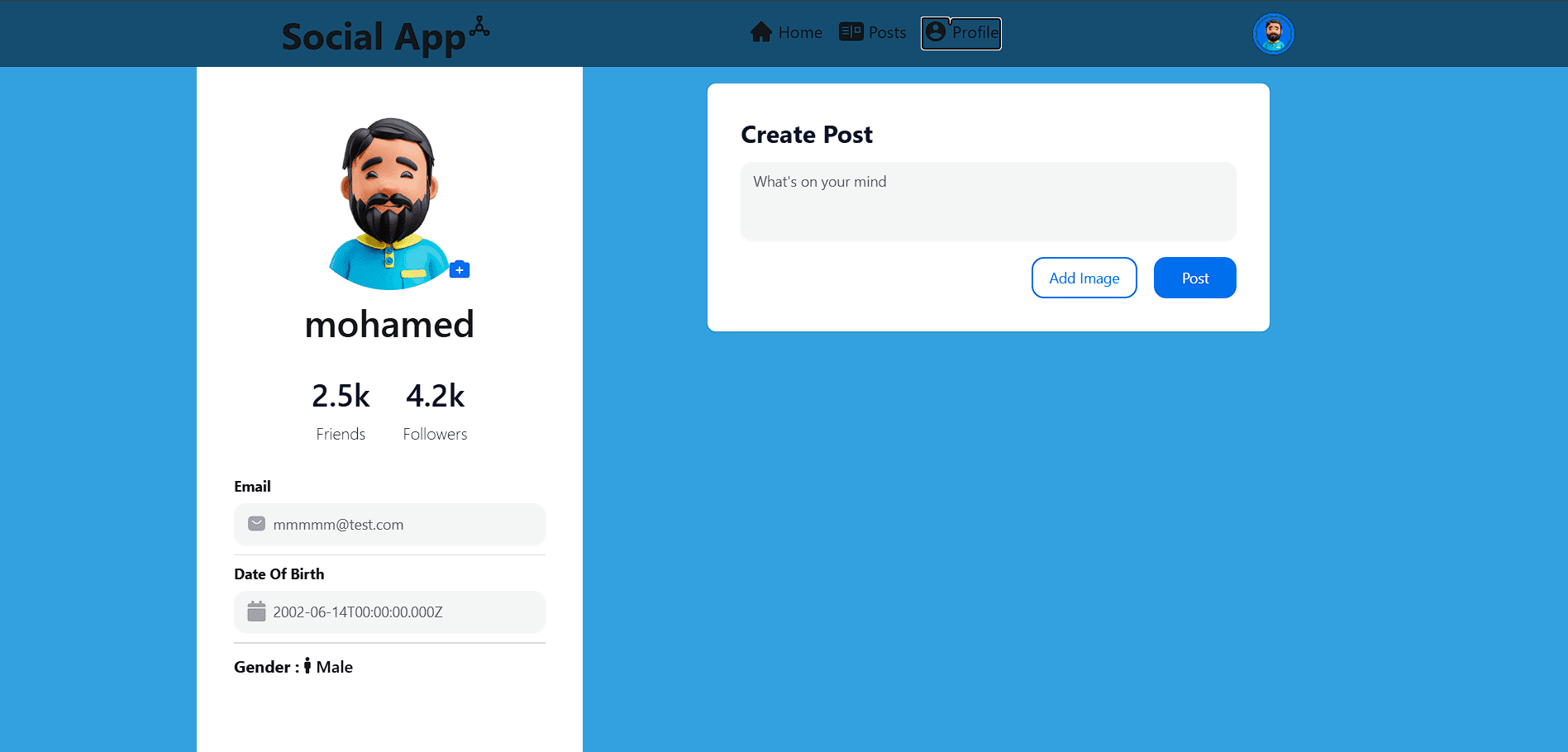
User Profile
The User Profile page allows users to create posts and see their personal information.
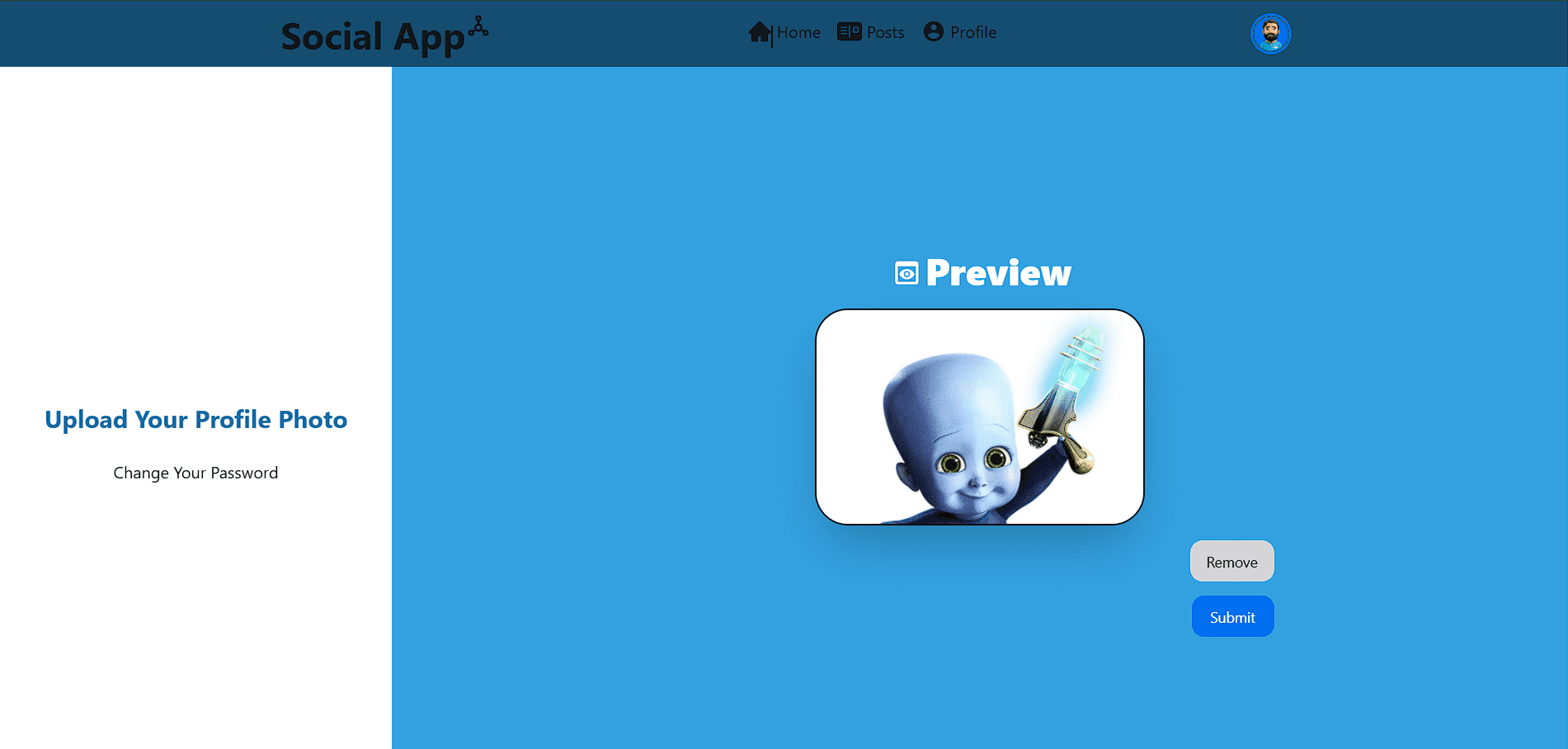
User Settings
The User Settings page allows users to manage their account settings and preferences.
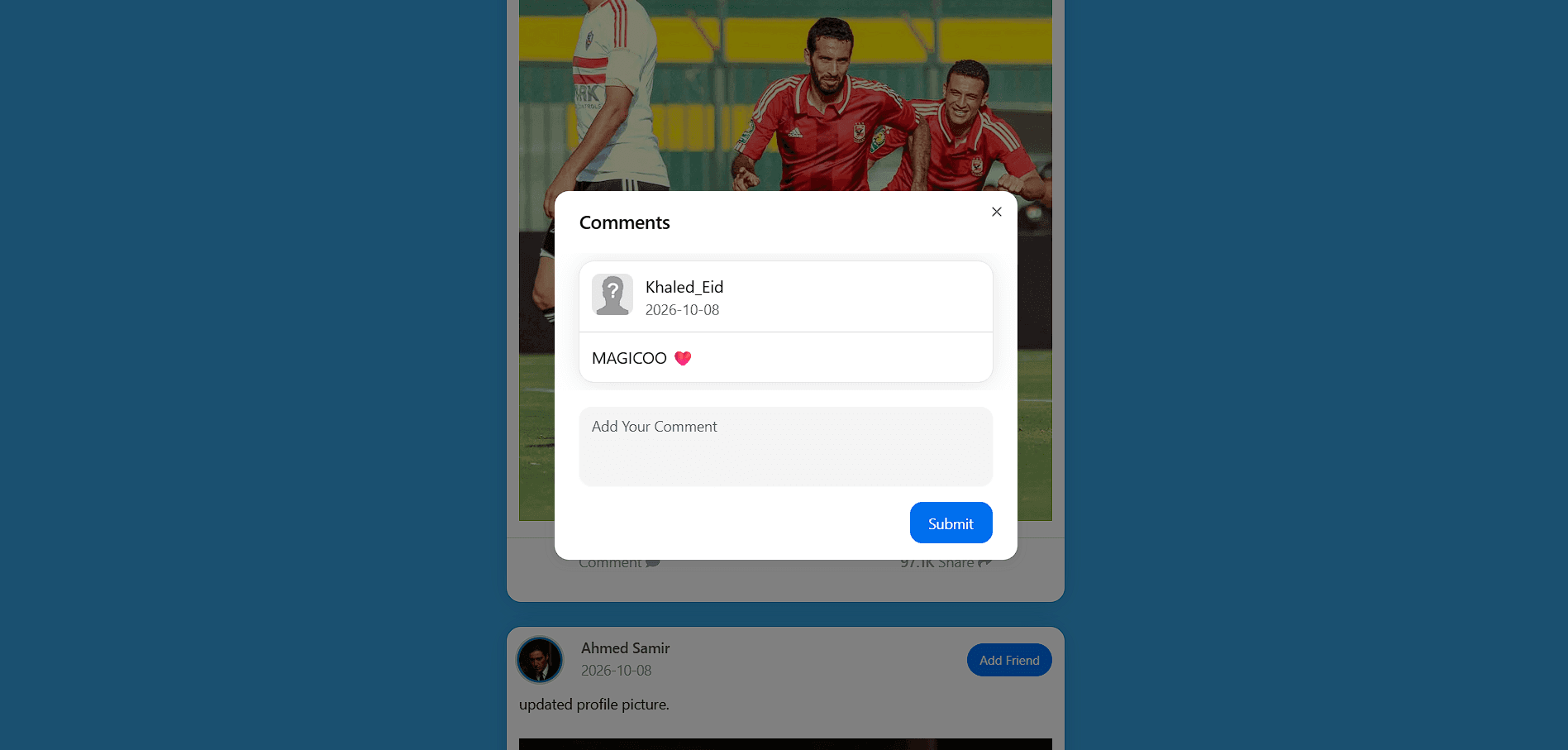
Making Comment
The Making Comment Component allows users to add comments to posts.
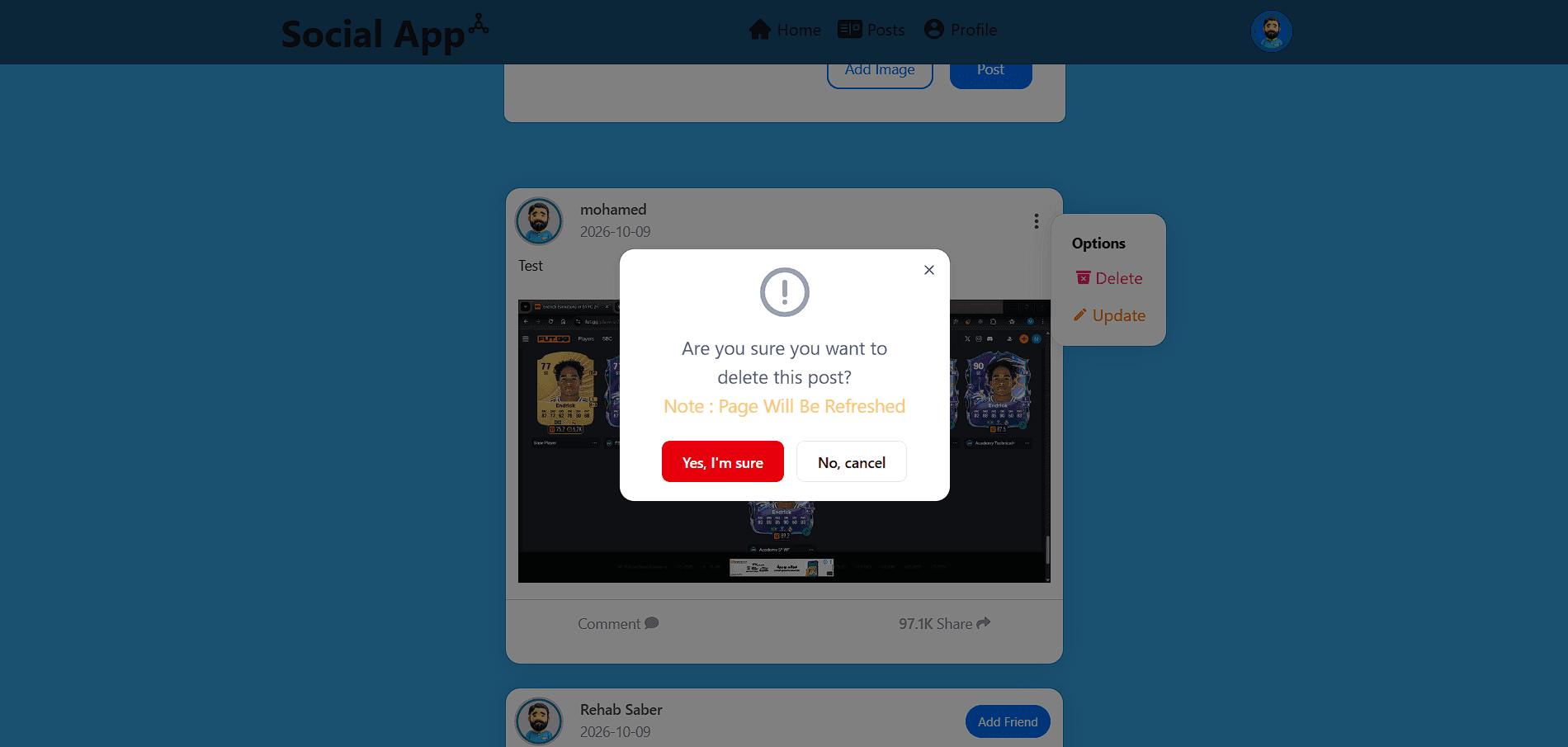
Deleting
The Deleting Component allows users to remove their own posts or comments.
Challenges and Solutions
- Maintaining authentication across page refreshes
- Managing asynchronous API states
- Validating forms and user input
- Improving image uploads
- Building reusable post and comment components
- Keeping the layout responsive
- Refreshing data after mutations
- Used React Context, browser storage, and protected routes to restore and control user sessions.
- Used TanStack React Query, loading states, and toast notifications for request feedback.
- Used React Hook Form and Zod for shared validation rules and field-level errors.
- Added previews, FormData uploads, and file type and size validation.
- Reusable components and current-user data control shared content actions.
- Used HeroUI and responsive Tailwind CSS layouts for mobile, tablet, and desktop.
- Used React Query updates and refetching to keep content synchronized with the API.